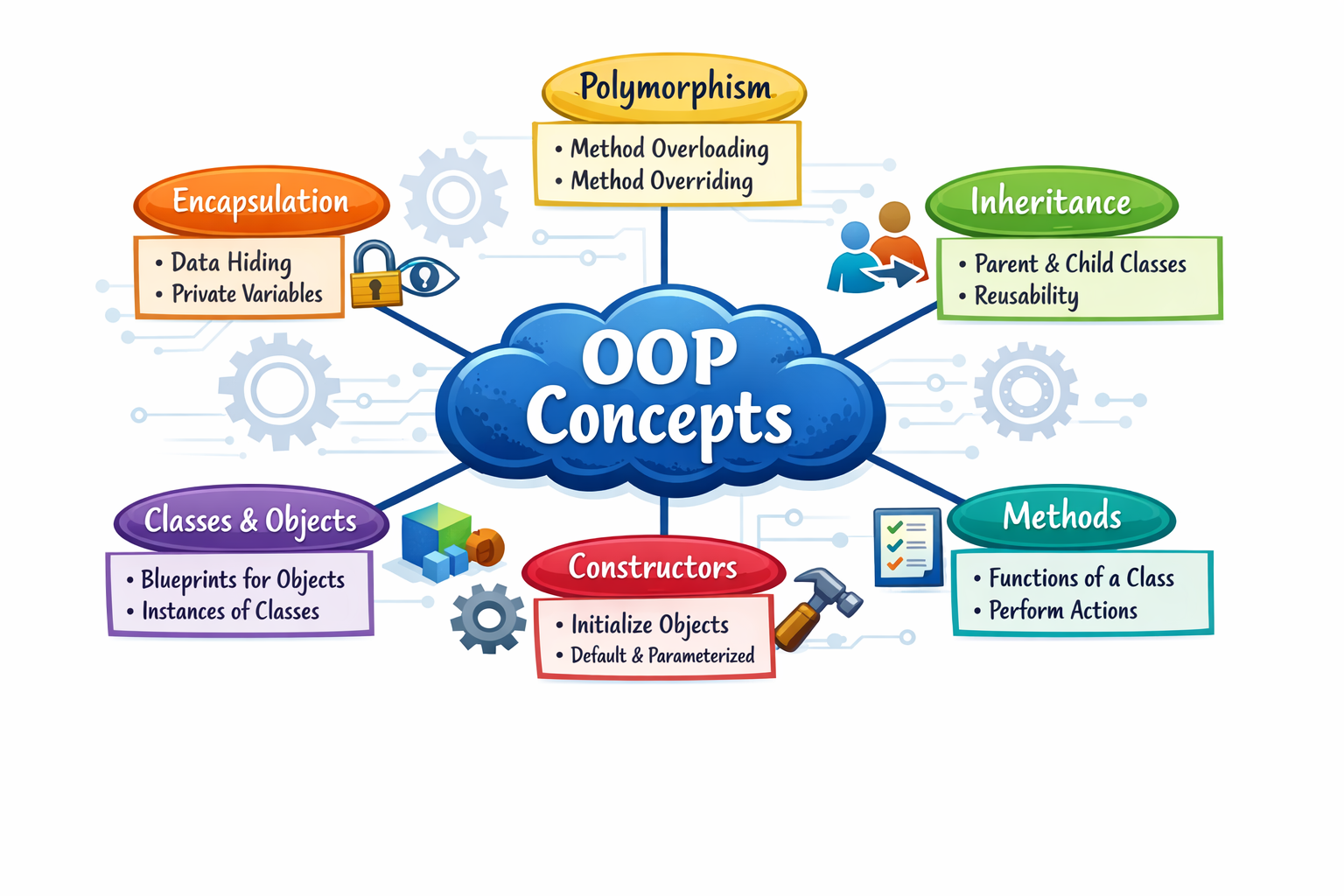
Object-Oriented Programming in JavaScript

in short it is referred as oops . No matter how fancy it may sound , this is easy .
Lets break this complex name
OBJECT -> do you know what is object ? any real world thing is object .
ORIENTED -> it is aligned with the objects .
PROGRAMMING -> you know programming right ! coding
Now that you know each word individually
what is OOPs ?
a paradigm that structures code around objects, which bundle data (properties) and behavior (methods).
Blueprint of real world

simply put you can describe any real world projects with its properties and user defined methods .
like you can describe a car using class and methods . Next we will discuss about class.
What is class ?
a class is a template definition of the methods and variables in a particular kind of object.
make object-oriented programming (OOP) more intuitive, especially for developers familiar with class-based languages like Java or C++ .
class GoogleForm {
    submit() {
       console.log(this.name + " " + this.roll + " Your form submitted")
    }
    cancel() {
        console.log(this.name + " " + this.roll +" Your form cancelled")
    }
    fill(given_name , roll) {
        this.name = given_name
        this.roll = roll
    }
}


//object
const student1Form = new GoogleForm()

student1Form.fill("Rahul" , 24)

const student2Form = new GoogleForm()

student2Form.fill("Raj" , 25)

student2Form.cancel()


student1Form.submit()

student2Form.submit()
in this you can see , we created a class google form which have three methods submit , cancel and fill . we can create as many objects using new keyword having these methods and properties inherited from this class . And so the class is called parent class.
Constructor method
every class in javascript has a constructor method . this is the method used while creating objects . the name of this function is same as the class . In the example above
const student1Form = new GoogleForm()
in this line you see GoogleForm() this is the constructor function . Now we can modify and do some work while creating an object with this method.
class GoogleForm {
    constructor(){
        this.school = "Happy School"
    }
    submit() {
       console.log(this.name + " " + this.roll + " Your form submitted")
    }
    cancel() {
        console.log(this.name + " " + this.roll +" Your form cancelled")
    }
    fill(given_name , roll) {
        this.name = given_name
        this.roll = roll
    }
}

const stud3 = new GoogleForm()
console.log(stud3.school) // Happy School
this function can also take arguments that you can use to assign to properties .
Methods
as you have seen already we can create functions / methods inside classes that are accessible to objects . Lets do that again with making a human
class Human {
    constructor(name, age){
            this.name = name
            this.age = age

    }
    run(){
        console.log(`${this.name} is running`)
    }
    walk(){
        console.log(`${this.name} is walking`)
    }
    canVote(){
    console.log(this.age>=18)
    }
}

const man= new Human("Rahul" , 19)
console.log(man.run()) // Rahul is running
console.log(man.canVote()) // true
you can add as many methods you want , the structure depends entirely on users .
Encapsulation
Encapsulation is a way to restrict the direct access to some components of an object
like in a bank app it cannot allow you to see the working code of backend or database of any other service as it will allow potential hackers to break in system but you still can use backend services via there app or frontend .
class BankAccount {
    #balance; // Private field

    constructor(initialBalance) {
        this.#balance = initialBalance;
    }

    deposit(amount) {
        if (amount > 0) {
            this.#balance += amount;
        }
    }

    getBalance() {
        return this.#balance;
    }
}

const account = new BankAccount(1000);
account.deposit(500);
console.log(account.getBalance()); // 1500
// console.log(account.#balance); // Syntax error: private field